QA
QA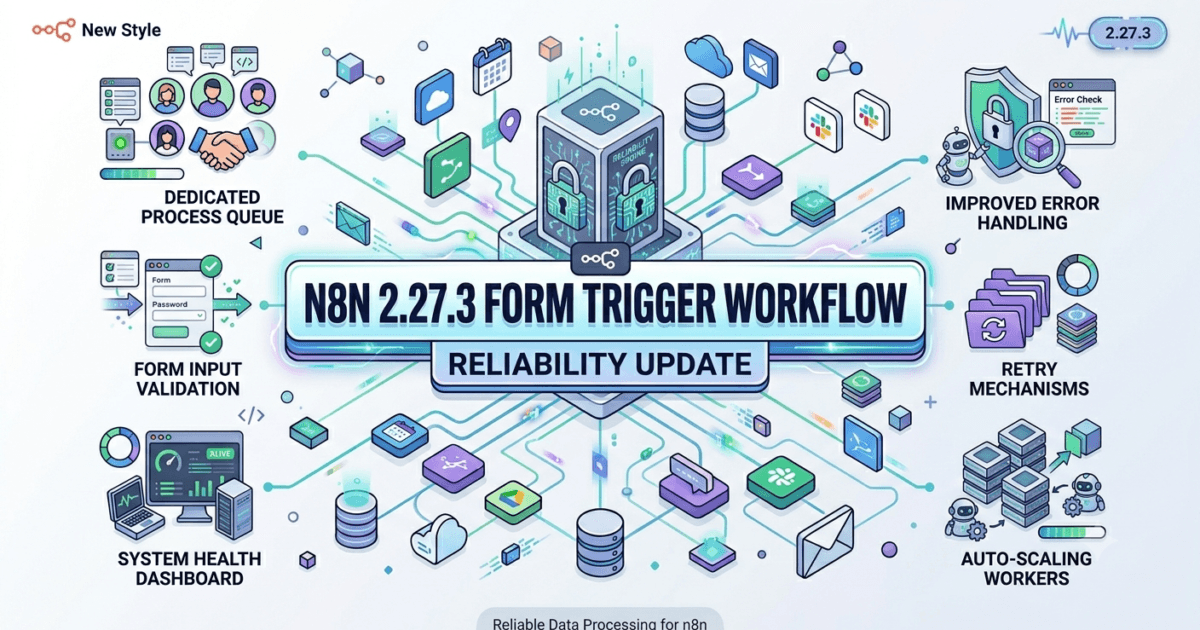
The n8n team has released n8n 2.27.3, a maintenance update focused on workflow stability and user experience improvements.
Although this release contains only two bug fixes, both address issues that can directly impact workflow reliability and usability in production environments.
For QA engineers, SDETs, DevOps professionals, automation architects, and AI engineers, these fixes improve platform resilience and reduce operational friction.
What is n8n?
n8n is one of the fastest-growing workflow automation platforms used to connect:
- APIs
- Databases
- SaaS Applications
- AI Agents
- MCP Servers
- Internal Systems
- Cloud Services
Organizations use n8n for:
- Test Automation
- CI/CD Orchestration
- Agentic AI Workflows
- Business Process Automation
- API Integration
- Incident Management
- Customer Support Automation
As AI adoption accelerates in 2026, n8n continues to become a critical orchestration layer for modern software systems.
Official Website:
Official Documentation:
Official Release Notes:
https://github.com/n8n-io/n8n/releases/tag/n8n%402.27.3
What’s New in n8n 2.27.3?
According to the official changelog, the release contains two bug fixes:
Form Trigger Stability Fix
Form Trigger Node:
Add default value for authentication parameter to prevent crash on old workflows
Editor UI Improvement
Hide preview suggestions on smaller screens due to lack of space
Release Date:
June 19, 2026
While these changes appear small, they address two important areas:
- Workflow reliability
- User experience consistency
Form Trigger Node Stability Improvement
The most important fix in this release targets the Form Trigger Node.
The issue occurred when older workflows lacked an authentication parameter expected by newer versions of n8n.
What Was Happening?
In certain scenarios:
Legacy Workflow
      ↓
Missing Authentication Parameter
      ↓
Workflow Crash
This could break workflows after upgrades or imports.
How n8n 2.27.3 Fixes It
The platform now automatically applies a default authentication value when the parameter is missing.
After the fix:
Legacy Workflow
      ↓
Missing Parameter Detected
      ↓
Default Value Applied
      ↓
Workflow Executes Successfully
This improves backward compatibility and reduces upgrade risks.
Why QA Engineers Should Care
QA engineers are often responsible for validating:
- Workflow Upgrades
- Regression Testing
- Production Deployments
- Legacy Workflow Support
- Platform Compatibility
This fix directly impacts all of these areas.
Without proper handling, a workflow that worked for years could suddenly fail after an upgrade.
The new behavior improves workflow resilience and reduces unexpected production incidents.
Enterprise Impact of the Form Trigger Fix
Many organizations operate:
- Hundreds of Workflows
- Multiple Teams
- Shared Automation Platforms
- Long-Term Business Processes
A single workflow failure can trigger:
- Missed Notifications
- Broken Integrations
- Failed AI Processes
- Customer Experience Issues
This release helps eliminate one potential source of workflow instability.
Improved User Experience on Smaller Screens
The second fix focuses on the editor interface.
According to the release notes:
Hide preview suggestions on smaller screens due to lack of space
Although this sounds minor, usability issues can significantly affect productivity.
Why This Matters
Many users access n8n from:
- Laptops
- Smaller Monitors
- Portable Workstations
- Remote Work Setups
When the interface becomes crowded, users may experience:
- Layout Overlaps
- Reduced Visibility
- Navigation Friction
- Workflow Editing Difficulties
The update improves responsiveness by hiding non-essential preview suggestions when screen space becomes limited.
Why QA Teams Should Test This Change
User interface improvements require validation across multiple environments.
Recommended testing:
Responsive Testing
✅ Laptop Screens
✅ Small Monitors
✅ Browser Zoom Levels
✅ Different Resolutions
Usability Testing
✅ Workflow Editing
✅ Node Configuration
✅ Navigation Behavior
✅ Accessibility Checks
This helps ensure that the editor remains usable across supported environments.
Impact on Agentic AI Workflows
Many organizations now use n8n to orchestrate:
- CrewAI Agents
- LangChain Workflows
- RAG Pipelines
- AI Assistants
- Autonomous Agents
A workflow crash at the trigger layer can stop an entire AI process.
By preventing Form Trigger failures, n8n 2.27.3 improves the reliability of AI-driven automation systems.
Impact on MCP Server Integrations
Model Context Protocol (MCP) adoption continues to grow rapidly.
Many teams use n8n to:
- Trigger MCP Tools
- Route Agent Requests
- Execute Context Workflows
- Coordinate AI Services
Reliable workflow execution is essential for successful MCP orchestration.
The Form Trigger fix indirectly improves reliability throughout these automation chains.
What QA Teams Should Validate After Upgrading
Workflow Testing
✅ Legacy Workflows
✅ Imported Workflows
✅ Form Triggers
✅ Authentication Settings
Regression Testing
✅ Existing Automation
✅ Shared Templates
✅ Workflow Cloning
UI Testing
✅ Responsive Layouts
✅ Editor Navigation
✅ Smaller Screens
✅ Browser Compatibility
AI Workflow Testing
✅ Agent Execution
✅ MCP Integrations
✅ Tool Calling
✅ API Orchestration
n8n 2.27.3 vs n8n 2.27.2
| Area | n8n 2.27.2 | n8n 2.27.3 |
|---|---|---|
| Form Trigger Stability | Potential Crash Risk | Fixed |
| Legacy Workflow Support | Standard | Improved |
| Small Screen Experience | Existing Layout | Optimized |
| Workflow Reliability | Good | Better |
| Upgrade Safety | Good | Improved |
Upgrade Guide
Docker
docker pull n8nio/n8n:latest
npm Installation
npm install n8n@latest
Verify Installation
n8n --version
Expected output:
2.27.3Migration Considerations
Breaking Changes
No breaking changes were announced.
Upgrade Risk
Very low.
Recommended Validation
Organizations should focus on:
- Legacy Form Trigger workflows
- Responsive UI behavior
- Workflow imports
- Shared workflow templates
My QA Assessment of n8n 2.27.3
Biggest Improvement
Form Trigger backward compatibility fix.
Most Valuable User Experience Improvement
Better handling of smaller screen layouts.
Enterprise Impact
Medium.
AI Workflow Impact
Positive.
MCP Integration Impact
Positive.
Breaking Changes
None reported.
Upgrade Risk
Very Low.
Recommendation
Recommended upgrade for all organizations running production n8n environments.
Overall Rating
8.9/10
Why Workflow Reliability Matters in Modern Automation Platforms
Automation platforms have evolved beyond simple workflow engines.
Today, n8n is often responsible for orchestrating:
- Business Operations
- Customer Communications
- AI Agents
- Cloud Services
- Enterprise Integrations
Small workflow failures can create disproportionately large operational problems.
The Form Trigger fix in n8n 2.27.3 demonstrates why maintenance releases deserve attention. Preventing a workflow crash may seem minor, but in production environments it can prevent service disruptions, missed business processes, and AI workflow failures.
This release reinforces the importance of backward compatibility and reliability in enterprise automation systems.
More Related Blogs
- Cypress 15.17.0 Released: Valuable Stability Improvements QA Engineers Should Know
- FastAPI 0.137.1 Released: Important API Routing Fixes QA Engineers Should Upgrade For
- PyTest 9.1.0 Released: Critical Fixture Changes QA Engineers Must Understand
- Playwright 1.61.0 Released: Powerful Authentication Testing Features QA Engineers Must Know
- LangChain 1.4.6 Released: Valuable AI Agent Observability Improvements QA Engineers Must Know
External Resources
n8n Official Website: https://n8n.io
n8n Documentation: https://docs.n8n.io
n8n GitHub Repository: https://github.com/n8n-io/n8n
n8n 2.27.3 Release Notes: https://github.com/n8n-io/n8n/releases/tag/n8n%402.27.3
Model Context Protocol: https://modelcontextprotocol.io
Frequently Asked Questions
What is n8n 2.27.3?
n8n 2.27.3 is a maintenance release that improves Form Trigger workflow stability and enhances editor responsiveness on smaller screens.
Is this a major release?
No. It is a bug-fix release focused on reliability and usability.
Should organizations upgrade?
Yes. The upgrade risk is extremely low and the stability improvements are valuable.
Are there breaking changes?
No breaking changes have been announced.
Does this affect AI workflows?
Yes. Preventing Form Trigger failures improves overall workflow reliability for AI-driven automations.
Does this affect MCP integrations?
Indirectly yes. More reliable workflow execution benefits MCP orchestration and tool-calling workflows.
Final Thoughts
n8n 2.27.3 may appear to be a small maintenance release, but it addresses two practical concerns that matter in real-world deployments: workflow stability and user experience. By preventing Form Trigger crashes in older workflows and improving the editor experience on smaller screens, this release strengthens the reliability of automation environments used by QA teams, DevOps engineers, and AI practitioners.
Organizations using n8n for workflow automation, Agentic AI systems, MCP integrations, and enterprise orchestration should include this update in their next maintenance cycle.