QA
QA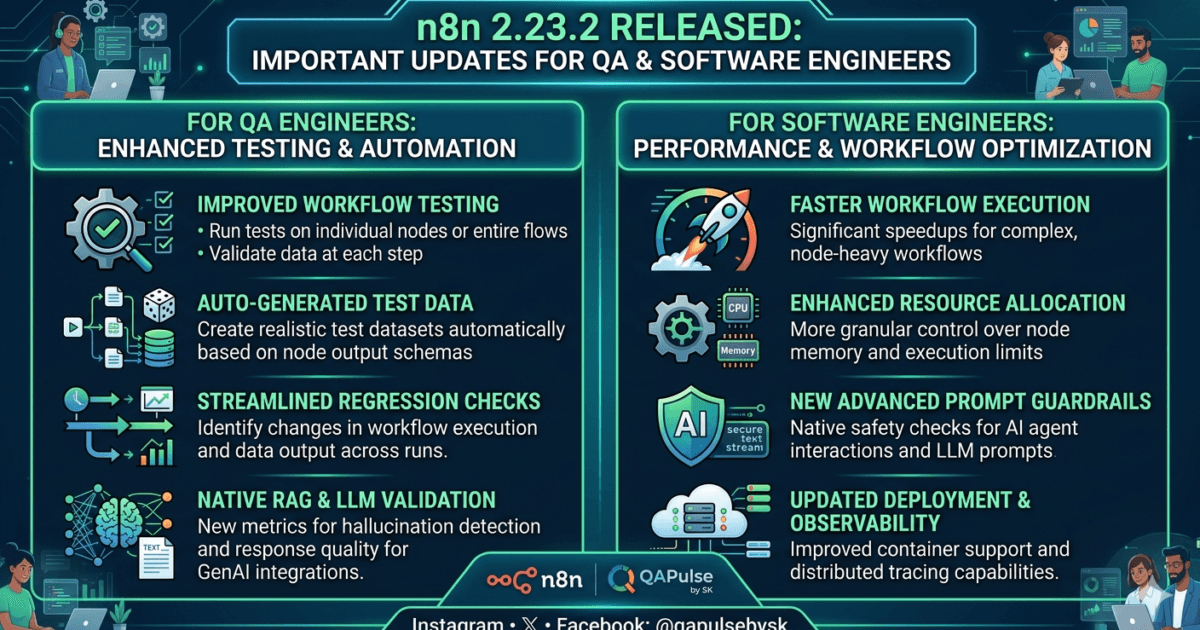
The n8n team has officially released n8n 2.23.2, a maintenance update focused on improving workflow reliability, MCP registry integration, timestamp handling, production execution behavior, and licensed-user experiences.
Although this release does not introduce major new features, it contains several fixes that can directly impact automation stability, enterprise workflow management, AI agent integrations, and testing environments.
For QA Engineers, SDETs, Automation Architects, and DevOps teams using n8n to orchestrate workflows, this update is worth evaluating.
What is n8n 2.23.2?
n8n 2.23.2 is a maintenance release of the popular workflow automation platform.
The release focuses on:
- MCP registry improvements
- Licensed user experience fixes
- Production execution stability
- Database timestamp handling
- Workspace initialization reliability
Official Release Notes:
https://github.com/n8n-io/n8n/releases/tag/n8n%402.23.2
Official Documentation:
Official Website:
Why n8n 2.23.2 Matters for QA Engineers
Modern QA teams increasingly use n8n for:
- Test orchestration
- Jira automation
- Defect management workflows
- AI agent integration
- MCP-based automation
- Reporting pipelines
- CI/CD notifications
Even minor fixes can affect:
- Workflow execution
- Test reliability
- Production debugging
- Data consistency
- Agent communication
This makes maintenance releases important for teams running workflow automation in production.
What’s New in n8n 2.23.2?
Fix #1: MCP Registry Servers Now Use Slugs Instead of IDs
One of the most interesting fixes in this release is:
Use slugs instead of IDs to identify MCP registry servers.
Why This Matters
Many AI agent ecosystems now rely on MCP (Model Context Protocol) integrations.
Using slugs instead of IDs improves:
- Environment portability
- Registry consistency
- Configuration readability
- Multi-environment deployments
QA Impact
Teams should validate:
- MCP integrations
- AI agent workflows
- Registry-based configurations
- Cross-environment migrations
For organizations experimenting with Agentic AI and MCP automation, this is the most important fix in the release.
Fix #2: Timestamp Handling Improved
The release updates data table date columns to use:
TIMESTAMPTZ
instead of less timezone-aware storage approaches.
Why This Matters
Timestamp-related bugs are among the most common causes of:
- Reporting inconsistencies
- Scheduling failures
- Cross-region workflow issues
- Automation timing errors
QA Testing Areas
Validate:
- Timezone conversions
- Scheduled workflows
- Audit logs
- Historical reporting
- Multi-region deployments
Enterprise Benefit
Organizations operating globally will benefit from improved timestamp consistency.
Fix #3: Production Execution Pin Data Cleanup
n8n now clears pin data during workspace initialization of production executions.
Why This Matters
Pinned data is frequently used during:
- Workflow development
- Debugging
- Test execution
Unexpected persistence can sometimes cause confusion between test and production behavior.
QA Recommendation
Verify:
- Production workflows
- Workspace initialization
- Test data isolation
- Execution reproducibility
This improves workflow predictability.
Fix #4: Licensed User Insights Page Issue Resolved
The release fixes an issue where licensed users could incorrectly see a license paywall.
Impact
This is primarily a user experience fix.
However, QA teams responsible for:
- Enterprise deployments
- User acceptance testing
- SaaS validation
should verify licensed-user behavior after upgrading.
Fix #5: Reverted Validation Changes
n8n reverted a previous update involving workflow and data table name validation.
Why This Matters
Validation changes can introduce:
- Backward compatibility issues
- Workflow creation failures
- Migration problems
Reverting the change reduces upgrade risk for existing environments.
Impact on QA Engineers
| Area | Impact |
|---|---|
| Workflow Testing | Medium |
| MCP Automation | High |
| AI Agent Integrations | High |
| Production Reliability | Medium |
| Reporting Systems | Medium |
| Database Validation | High |
Impact on AI Testing Teams
This release is particularly interesting for teams building:
- Agentic AI systems
- MCP-based automation
- AI orchestration workflows
- LLM evaluation pipelines
The MCP registry improvements suggest continued maturity of AI workflow integrations within the n8n ecosystem.
If your organization is exploring AI-powered automation, this release deserves attention.
Impact on DevOps Teams
DevOps teams should validate:
- Deployment pipelines
- Scheduled workflows
- Environment migrations
- Database consistency
- Monitoring dashboards
The TIMESTAMPTZ update is especially relevant for globally distributed deployments.
Migration Guide
Backup First
Before upgrading:
- Export workflows
- Backup PostgreSQL database
- Save credentials
- Document MCP configurations
Upgrade Command
npm update -g n8n
Docker Upgrade
docker pull n8nio/n8n:latest
Verify Upgrade
n8n --versionTesting Checklist After Upgrading
Functional Testing
✅ Workflow execution
✅ Trigger validation
✅ Webhook workflows
✅ Scheduled workflows
MCP Testing
✅ MCP registry connections
✅ AI agent workflows
✅ Tool integrations
Database Testing
✅ Date handling
✅ Timezone conversions
✅ Reporting accuracy
Enterprise Testing
✅ User permissions
✅ Licensed features
✅ Insights dashboard
Upgrade Recommendation
Upgrade Immediately If
✅ You use MCP integrations
✅ You operate across multiple timezones
✅ You use licensed n8n features
✅ You rely on production workflow stability
Consider Additional Validation If
⚠️ You have highly customized workflows
⚠️ You maintain enterprise automation platforms
⚠️ You run mission-critical scheduling systems
My QA Assessment of n8n 2.23.2
Biggest Win
MCP registry server identification improvements.
Most Important Enterprise Fix
TIMESTAMPTZ support for date columns.
Lowest-Risk Change
Insights page licensing fix.
Upgrade Risk
Low.
Enterprise Recommendation
Upgrade after standard regression testing.
Overall Rating
8.5/10
This is not a feature-heavy release, but it improves reliability in several important areas that directly affect workflow automation teams.
More Relevant Articles
- Python Lists, Tuples, Sets, and Dictionaries — Explained Visually
- Loops in Python: for vs while (And When to Use Each)
- If, Else, and Logic in Python: How Computers Actually Make Decisions
- How I Reduced Flaky Tests by 40% Using Self-Healing Locators + AI
- The Architecture Mistake 90% of Playwright Projects Make And How the Top 1% Quietly Avoid it
Official Resources
Release Notes: https://github.com/n8n-io/n8n/releases/tag/n8n%402.23.2
Documentation: https://docs.n8n.io
Website: https://n8n.io
GitHub Repository: https://github.com/n8n-io/n8n
Frequently Asked Questions
What is n8n 2.23.2?
n8n 2.23.2 is a maintenance release focused on workflow reliability, MCP integrations, timestamp handling, and enterprise fixes.
Does n8n 2.23.2 contain breaking changes?
No major breaking changes were announced in this release.
What is the most important fix for QA teams?
The MCP registry slug update and TIMESTAMPTZ improvements are the most impactful changes.
Should organizations upgrade immediately?
Most teams can upgrade safely after standard regression testing.
Why is TIMESTAMPTZ important?
It improves timezone handling and reduces date-related issues in distributed systems.
What should be tested after upgrading?
Workflow execution, MCP integrations, timestamps, reporting, and licensed-user functionality.
Does this release affect AI agents?
Yes. The MCP registry changes may impact AI agent and tool integration workflows.
Is n8n useful for QA automation?
Yes. Many teams use n8n for Jira automation, defect workflows, reporting, CI/CD notifications, and AI-powered orchestration.
Final Thoughts
n8n 2.23.2 may appear to be a small maintenance release, but it delivers meaningful improvements for workflow reliability, MCP-based integrations, timestamp consistency, and enterprise usability.
Organizations using n8n for QA automation, AI orchestration, DevOps workflows, and business process automation should evaluate the release and perform regression testing before rolling it into production.