QA
QA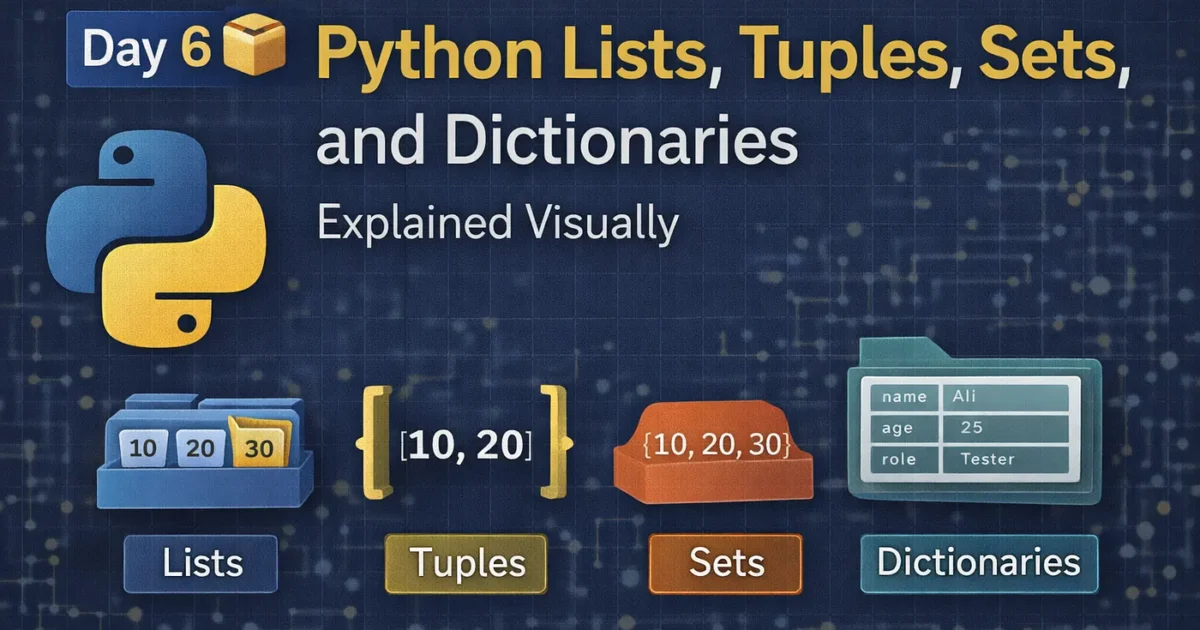
So, today we will discuss about Python Lists, Tuples, Sets and Dictionaries
👉 Finally, This is the day Python finally starts to feel powerful.
Until now, you were writing Python line by line.
But real programs don’t work with one value at a time.
They work with collections of data.
That’s where Lists, Tuples, Sets, and Dictionaries come in.
Think of today as learning how Python stores information in the real world 🧠
🧠 Imagine This First…
You’re building:
- a to-do app
- a shopping cart
- a user profile
- test data for automation
- API responses
You’ll never store data like this 👇
task1 = "Buy milk"
task2 = "Write code"
task3 = "Sleep"
That’s painful 😖
Python gives you containers instead.
Let’s break them down visually and practically.
1️⃣ Python List — 📋 The Flexible Box
👉 List = ordered + changeable
Think of a list as a shopping list.
Visual
Index →  0        1        2
        ┌──────┬──────┬──────┐
List =  | Milk | Eggs | Bread|
        └──────┴──────┴──────┘
Code Example
fruits = ["apple", "banana", "mango"]

print(fruits[0])     # apple
fruits.append("kiwi")
print(fruits)
Key Facts
✅ Ordered
✅ Can change
✅ Can contain duplicates
💡 Use Lists when:
- order matters
- data changes often
- you loop a lot (
forloops love lists)
2️⃣ Python Tuple — 🔒 The Locked Box
👉 Tuple = ordered + NOT changeable
Tuples are like lists with rules.
Visual
Tuple → (x, y)
        ┌───┬───┐
        |10 |20 |
        └───┴───┘
Code Example
coordinates = (10, 20)

print(coordinates[0])   # 10
# coordinates[0] = 50 ❌ Error
Key Facts
✅ Ordered
❌ Cannot change
✅ Faster than lists
💡 Use Tuples when:
- data should not change
- fixed configuration
- safety matters (less bugs)
3️⃣ Python Set — 🧹 The Duplicate Cleaner
👉 Set = unordered + unique values only
Think of a set as a filter.
Visual
Input:  [1, 2, 2, 3, 3]
Set:    {1, 2, 3}
Code Example
numbers = {1, 2, 2, 3, 3}
print(numbers)   # {1, 2, 3}
Key Facts
❌ No order
❌ No duplicates
✅ Super fast lookups
💡 Use Sets when:
- checking uniqueness
- removing duplicates
- membership tests (
in)
4️⃣ Python Dictionary — 🗂️ The Real-World Data Model
👉 Dictionary = key → value pairs
This is where Python starts feeling like backend engineering.
Visual
User Data
┌─────────┬───────────┐
| Name    | Ali       |
| Age     | 25        |
| Role    | Tester    |
└─────────┴───────────┘
Code Example
user = {
    "name": "Ali",
    "age": 25,
    "role": "QA Engineer"
}

print(user["role"])
Key Facts
✅ Fast access
✅ Meaningful keys
✅ Real-world modeling
💡 Use Dictionaries when:
- data has meaning
- working with APIs
- configs, JSON, test data
🧠 Quick Comparison Cheat Sheet
| Type | Ordered | Changeable | Unique | Best For |
| List | ✅ | ✅ | ❌ | Dynamic data |
| Tuple | ✅ | ❌ | ❌ | Fixed data |
| Set | ❌ | ✅ | ✅ | Remove duplicates |
| Dict | ❌ | ✅ | Keys only | Structured data |
🚀 Why This Matters (Especially for QA & Devs)
If you understand these four containers, you can:
✅ Read API responses
✅ Write better automation
✅ Handle test data cleanly
✅ Build real Python projects
✅ Avoid beginner mistakes
This is core Python thinking.