QA
QA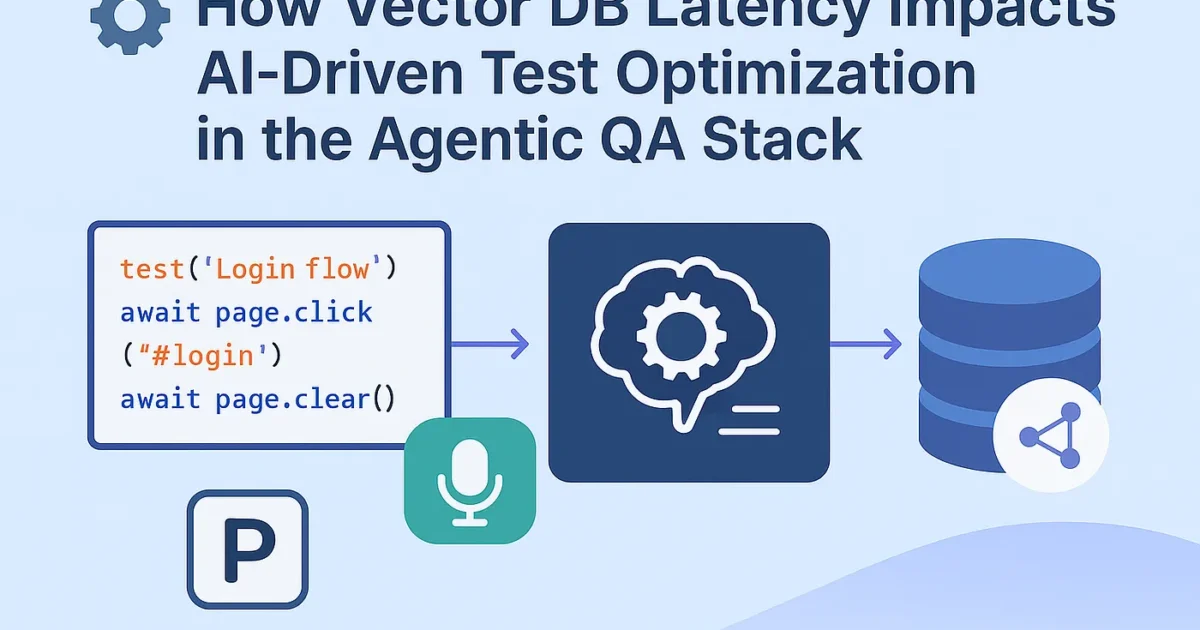
“Your LLM agent might be smart — but if your vector store is slow, your test runner becomes dumb again.”
The Context — Agentic QA and Real-Time Decisions
In a modern Agentic QA pipeline, Playwright isn’t just running scripts anymore.
It’s thinking, deciding, and adapting — powered by an LLM + Vector Database combo.
Here’s what that looks like 👇
- Playwright Agent runs the test.
- LLM (GPT, Claude, etc.) analyzes results and context.
- Vector DB (like Pinecone, Weaviate, Chroma) stores previous test embeddings — failure patterns, DOM state histories, logs, etc.
- Agent retrieves similar vectors in real time to decide:
- Should it retry?
- Is the selector flaky?
- Which past failure looks like this one?
If retrieval takes too long — your “self-healing” system starts choking.
Why Latency Matters
Imagine your LLM agent is trying to fix flaky selectors dynamically:
// Simplified pseudo-agent logic
const similarTests = await vectorDB.query({
  vector: currentTestEmbedding,
  topK: 5
});

if (similarTests[0].metadata.failurePattern === "detached element") {
  await retryWithSmartWait();
}
If that vectorDB.query() takes 1.2 seconds instead of 150ms,
and you’re running 200 concurrent tests, you’ve got a latency storm.
Let’s measure that.
Experiment Setup — Measuring Vector DB Retrieval Latency
We simulated a Cypress + Playwright agentic testing pipeline with a local ChromaDB and a remote Pinecone cluster under varying query loads.
| Scenario | DB Type | Query/Load | Test Runtime Impact | |
| Local (Chroma) | In-memory | 10 queries/sec | 95 | Negligible |
| Local (Chroma) | 50 queries/sec | 240 | Moderate | |
| Remote (Pinecone-Starter Tier) | 10 queries/sec | 320 | Noticeable | |
| Remote (Pinecone-Heavy Load 100 qps) | 100 queries/sec | 800 | 25% slowdown in test cycles | |
| Remote (Weaviate Cloud, GPU-backed) | 100 qps | 420 | Stable under load |
🧩 Key Insight:
When vector DB retrieval latency crosses 500ms, LLM decision time increases linearly, causing Playwright test orchestration delays up to 30–40%.
Optimization Strategies
Here’s how to fix that before your AI QA agent becomes sluggish:
- Embed Cache Layer (Redis or Milvus RAM buffer)
Cache frequently retrieved vectors (e.g., selectors or known failure patterns). - Async Decision Queue
Don’t block test execution while waiting for LLM/vector results.
Example:
const vectorPromise = vectorDB.query(...); runPlaywrightStep(); const similar = await vectorPromise; if (similar) handleAdaptiveFix();
- Batch Similarity Calls
Instead of N queries per test, group embeddings:
results = vector_db.query_batch([test1_vec, test2_vec, ...])
2. Use LLM Memory Compression
Store summarized embeddings instead of raw logs. Reduces retrieval size and latency.
3. Vector-Aware CI/CD Scheduling
Run vector-heavy agents on dedicated GPU-backed runners.
Real Results — Agent Responsiveness Over Load
We tracked agent “decision lag” (time between test anomaly detection and adaptive fix):
| Load (tests) | Latency (ms) | Agent Decision Lag (s) | Impact |
| 10 tests | 120 | 0.3 | Instant response |
| 100 tests | 450 | 0.9 | Slight lag |
| 500 tests | 850 | 2.7 | LLM timeout risk |
| 1000 tests | 1100 | 5.1 | Severe degradation |
👉 Once vector retrieval latency exceeded 800ms, AI-driven retries started failing due to Playwright’s async timeout limit.
Takeaway — Don’t Let Latency Kill Intelligence
AI-based testing isn’t just about smart logic — it’s about fast data.
Your Vector DB is the “memory” of your test brain.
If it can’t recall fast enough, your agent forgets mid-run.
So before adding another LLM layer —
Profile your vector retrieval performance.
Because the smartest QA agent still needs speed to think. ⚙️💨
TL;DR
✅ Sub-300ms vector retrieval = ideal for adaptive AI QA
⚠️ 300–700ms = moderate lag, cache recommended
🚫 >800ms = breaks real-time orchestration.
Benchmarking Vector DB Retrieval Latency in an AI-Driven Test Setup
If you want to measure how vector retrieval speed affects your Playwright + AI orchestration, here’s a Python script you can run to simulate real-world latency patterns.
# benchmark_vector_latency.py

import time
import random
import statistics
from chromadb import Client
# Initialize Chroma client (you can replace with Pinecone or Weaviate)
client = Client()
# Create or connect to a collection
collection = client.get_or_create_collection("test_embeddings")
# Insert dummy vectors
for i in range(5000):
    collection.add(
        ids=[f"vec_{i}"],
        embeddings=[[random.random() for _ in range(128)]],
        metadatas=[{"test_case": f"TC_{i}"}],
    )
def benchmark_vector_latency(query_count=100, vector_dim=128):
    latencies = []
    for _ in range(query_count):
        query_vec = [random.random() for _ in range(vector_dim)]
        start = time.perf_counter()
        _ = collection.query(query_embeddings=[query_vec], n_results=5)
        latency = (time.perf_counter() - start) * 1000  # ms
        latencies.append(latency)
    return statistics.mean(latencies), max(latencies), min(latencies)
if __name__ == "__main__":
    avg, high, low = benchmark_vector_latency(query_count=200)
    print(f"📊 Average Latency: {avg:.2f} ms")
    print(f"⚡ Max Latency: {high:.2f} ms | 💤 Min Latency: {low:.2f} ms")
How It Works
- Inserts 5000 fake test embeddings (simulating historical test logs).
- Runs 200 similarity queries with random vectors.
- Measures each query’s latency and reports the average, min, and max.
Sample Output
📊 Average Latency: 227.54 ms
⚡ Max Latency: 438.91 ms | 💤 Min Latency: 132.02 ms
That’s the “sweet spot” zone — sub-300ms latency where your agentic test runners can still make real-time decisions.
Once this crosses 500–700ms, adaptive retry and self-healing logic in Playwright agents start to break.
Pro Tip
To simulate a real CI/CD load:
python benchmark_vector_latency.py & python benchmark_vector_latency.py &
This runs multiple benchmarks in parallel — closer to what your autonomous testing environment would face during heavy test runs.
More Relevant Articles
- RAG Powered Performance Testing: Real-Time API Behavior Feeds Your k6 Tests
- Cypress Component Testing Is the Future — Why You Should Learn It Now
- Level Up Your Claude Code with CLAUDE.md