QA
QA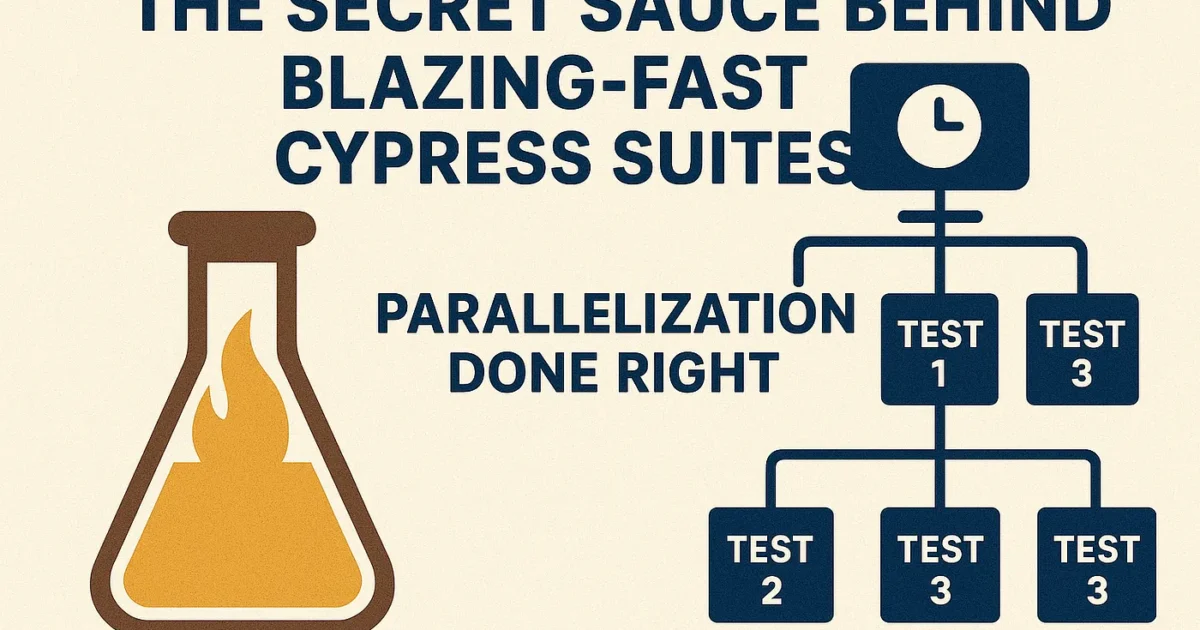
Everyone wants faster test runs — but few QA engineers truly understand how parallelization works in Cypress, and why just enabling it isn’t enough.
Let’s dive deep into how you can turn your 30-minute regression suite into a 3-minute sprint ⚙️
💥 The Problem: One Big Test Suite, One Slow Pipeline
Cypress runs tests sequentially in a single process by default.
That’s fine for small suites, but as your project scales, you’ll notice:
- Long-running test builds ⏳
- Delayed feedback loops 🐢
- Random timeouts or browser crashes 💀
Most teams respond by throwing more hardware at it or trying to “optimize code” — but the real game-changer lies in parallelization.
🧩 What Is Cypress Parallelization?
Think of your test suite as a pile of bricks 🧱
Instead of one worker (CI runner) moving all the bricks, you split them across multiple workers — each carrying a few bricks simultaneously.
In Cypress, parallelization means splitting your spec files across multiple CI nodes, so all run in parallel on different machines.
⚙️ How Cypress Handles It Under the Hood
When you enable parallelization in the Cypress Dashboard:
- Each machine connects to the Cypress Cloud.
- Cypress dynamically allocates which specs go to which machine.
- Completed specs are tracked, and remaining ones are distributed intelligently.
This ensures balanced workload — so no machine stays idle while others do the heavy lifting.
💡 Pro tip: Cypress doesn’t just split specs evenly — it learns from historical run times to optimize distribution.
🧠 Parallelization Architecture (Example)
Let’s visualize it in code:
# GitHub Actions Example
name: Cypress Tests

on: [push, pull_request]
jobs:
  cypress-run:
    runs-on: ubuntu-latest
    strategy:
      matrix:
        containers: [1, 2, 3, 4] # 4 parallel runners
    steps:
      - uses: actions/checkout@v3
      - uses: cypress-io/github-action@v5
        with:
          record: true
          parallel: true
          group: 'Regression Suite'
          tag: 'ci'
          key: ${{ github.run_id }}
          ci-build-id: ${{ github.run_id }}
Each container runs a subset of specs, while Cypress Cloud tracks progress and aggregates results.
⚡️ Splitting Strategies That Actually Work
Not all splitting strategies are equal — here are 3 that top QA teams use:
| Strategy | When to Use | Description |
| Spec-based split | Small Suites | Easiest to configure, evenly splits files |
| Dynamic (runtime-based) | Large Suites | Uses past durations to balance workloads |
| Tag-based | Mixed priorities | Run “Smoke” and “Full” test seperately |
🔍 Debugging Parallel Runs
Parallel runs can introduce new challenges:
- Shared state between tests 🧩
- Conflicts in seeded data 💾
- Rate-limited APIs 😬
Fix them by:
- Using unique test data per node (e.g., timestamp or UUID).
- Avoiding global before hooks that assume sequence.
- Mocking external APIs to reduce flakiness.
🚀 Bonus: Cypress Dashboard Insights
Cypress Dashboard gives you performance analytics like:
- Avg. spec duration
- Parallel efficiency
- Machine utilization
Use it to spot bottlenecks — if one spec file consistently takes 70% of total time, refactor it or split it into smaller ones.
🧠 Mindset Shift: Think CI-First, Not Local-First
Many testers only care about local speed. But real-world performance is defined by your CI pipeline.
Adopt a “CI-first” mindset:
- Measure test duration in CI, not locally.
- Optimize your specs for distributed execution.
- Integrate test analytics to inform architecture decisions.
✅ Final Thoughts
Parallelization isn’t just a switch — it’s a strategy.
Done right, it transforms your Cypress suite from a bottleneck to a competitive advantage.
“Fast tests aren’t just about speed — they’re about feedback. The faster your feedback, the faster your team ships quality.”