QA
QA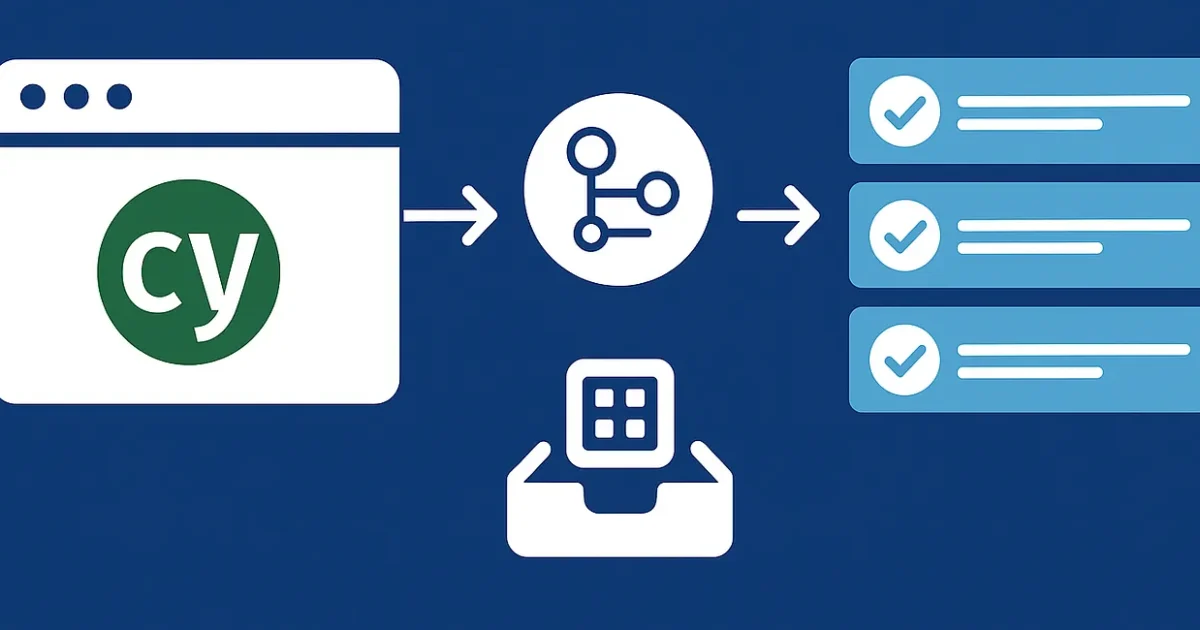
Automate. Optimize. Scale Your CI/CD for Cypress.
If you’re still running Cypress tests locally before every deploy — you’re doing it wrong.
2025 is all about CI-driven quality, and GitHub Actions has become the go-to solution for Cypress automation pipelines in 2026.
Let’s break down how to build a rock-solid, parallelized, and cache-optimized CI/CD setup that runs like a pro. 👇
Why GitHub Actions?
GitHub Actions lets you run your Cypress tests automatically:
- On every pull request 🧩
- On every merge to main 🧠
- On a schedule for nightly regression 🕐
It’s native, scalable, and deeply integrated into your codebase — no third-party dependency mess.
Step 1: Basic Workflow Setup
Let’s start with the foundation — your .github/workflows/cypress.yml.
name: Cypress Tests

on:
  push:
    branches: [ main ]
  pull_request:
    branches: [ main ]
jobs:
  cypress-run:
    runs-on: ubuntu-latest
    steps:
      - name: Checkout code
        uses: actions/checkout@v4
      - name: Setup Node
        uses: actions/setup-node@v4
        with:
          node-version: 20
      - name: Install dependencies
        run: npm ci
      - name: Run Cypress tests
        run: npx cypress run
✅ Simple. Clean. Effective.
But we can make it much faster, smarter, and parallelized.
Step 2: Add Caching for Speed
Every minute counts in CI. Use GitHub’s cache to store your node_modules between runs.
- name: Cache node modules
        uses: actions/cache@v4
        with:
          path: ~/.npm
          key: ${{ runner.os }}-npm-${{ hashFiles('package-lock.json') }}
          restore-keys: |
            ${{ runner.os }}-npm-
💡 Pro tip: npm ci + caching = the best combo for deterministic, fast installs.
Step 3: Parallelize Your Tests
If you have long-running tests, don’t make them run sequentially.
Split your suite using Cypress Dashboard parallelization.
- name: Run tests in parallel
        run: npx cypress run --record --parallel --group "UI Tests"
        env:
          CYPRESS_RECORD_KEY: ${{ secrets.CYPRESS_RECORD_KEY }}
🧠 Why it matters:
Parallelization can cut test time by 50–70%, especially for end-to-end suites.
Step 4: Manage Secrets & Environments
Keep environment variables and tokens secure using GitHub Secrets.
Go to Settings → Secrets → Actions, then add:
CYPRESS_RECORD_KEYBASE_URLAPI_TOKEN
And reference them in your workflow:
env:
  CYPRESS_BASE_URL: ${{ secrets.BASE_URL }}
  API_TOKEN: ${{ secrets.API_TOKEN }}
✅ Never hardcode secrets — not even for staging.
Step 5: Matrix Builds for Cross-Env Testing
Want to test multiple Node versions or browsers?
Use matrix builds for dynamic CI pipelines.
jobs:
  cypress-run:
    runs-on: ubuntu-latest
    strategy:
      matrix:
        browser: [chrome, firefox]
        node: [18, 20]

steps:
      - uses: actions/checkout@v4
      - uses: actions/setup-node@v4
        with:
          node-version: ${{ matrix.node }}
      - run: npm ci
      - run: npx cypress run --browser ${{ matrix.browser }}
💪 This ensures your app behaves consistently across environments.
Step 6: Upload Artifacts (Screenshots & Videos)
If your tests fail, you’ll want to see why.
- name: Upload Cypress artifacts
        if: failure()
        uses: actions/upload-artifact@v4
        with:
          name: cypress-artifacts
          path: |
            cypress/screenshots
            cypress/videos
🧩 These artifacts make debugging painless — directly accessible from the GitHub Actions panel.
Step 7: Bonus — Slack Notifications
Get real-time alerts for test runs:
- name: Notify Slack
        uses: rtCamp/action-slack-notify@v2
        env:
          SLACK_WEBHOOK: ${{ secrets.SLACK_WEBHOOK }}
          SLACK_MESSAGE: "✅ Cypress CI run completed!"
Now, your entire team stays in sync. 💬
Final Workflow Example (Optimized)
Here’s a production-grade CI setup you can drop right in:
name: Cypress CI

on:
  pull_request:
    branches: [ main ]
jobs:
  cypress:
    runs-on: ubuntu-latest
    strategy:
      matrix:
        browser: [chrome, firefox]
    steps:
      - uses: actions/checkout@v4
      - uses: actions/setup-node@v4
        with:
          node-version: 20
      - uses: actions/cache@v4
        with:
          path: ~/.npm
          key: ${{ runner.os }}-npm-${{ hashFiles('package-lock.json') }}
      - run: npm ci
      - run: npx cypress run --browser ${{ matrix.browser }} --record --parallel
        env:
          CYPRESS_RECORD_KEY: ${{ secrets.CYPRESS_RECORD_KEY }}
          CYPRESS_BASE_URL: ${{ secrets.BASE_URL }}
      - uses: actions/upload-artifact@v4
        if: failure()
        with:
          name: cypress-artifacts
          path: |
            cypress/screenshots
            cypress/videos
Key Takeaways
✅ Use cache for speed
✅ Use matrix for scalability
✅ Use parallelization for efficiency
✅ Store secrets securely
✅ Always upload artifacts for traceability
💬 Final Thoughts
Cypress + GitHub Actions = 💣 automation combo.
Once you master caching, parallel runs, and secret management — your test pipeline becomes a self-maintaining quality engine.