QA
QA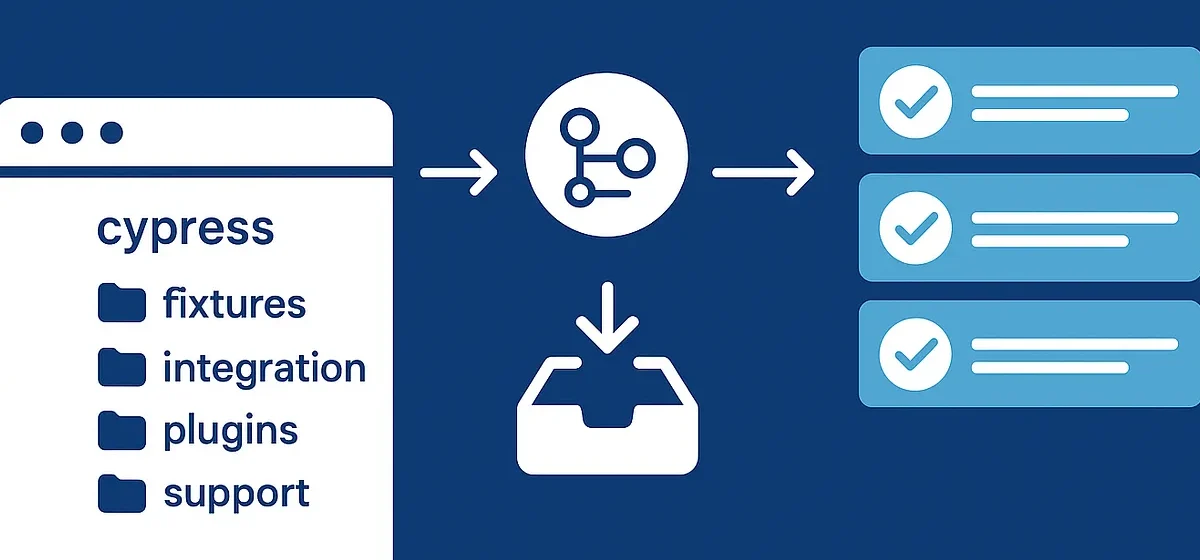
When your test suite starts small, everything works fine — a few tests, one support file, and maybe a single spec folder.
But as your project grows, suddenly your automation framework becomes a maze of chaos: duplicated commands, confusing imports, and slow-running tests.
That’s not a Cypress problem — it’s an architecture problem.
Let’s fix that. 🚀
The Problem with the Default Cypress Setup
Cypress gives you a nice cypress/ folder out of the box:
cypress/
  ├── e2e/
  ├── fixtures/
  ├── support/
  └── cypress.config.js
This works great — until your app gets real-world complexity.
Suddenly you have:
- 50+ test files 🧪
- Multiple environments 🌍
- API + UI + integration tests ⚙️
- Shared utilities that don’t fit neatly anywhere
When that happens, the default folder layout collapses under its own weight.
Think Like a Developer, Not a Tester
A scalable Cypress framework is engineered like an app, not a set of test scripts.
That means:
- You separate test logic from test data
- You create reusable abstractions
- You keep a single source of truth for configuration and environment variables
Recommended Scalable Folder Structure
Here’s a structure that works for mid-to-large teams 👇
cypress/
  ├── e2e/
  │   ├── auth/
  │   │   ├── login.cy.js
  │   │   ├── signup.cy.js
  │   ├── dashboard/
  │   │   ├── analytics.cy.js
  │   │   ├── reports.cy.js
  │
  ├── api/
  │   ├── users.cy.js
  │   ├── payments.cy.js
  │
  ├── fixtures/
  │   ├── users.json
  │   ├── products.json
  │
  ├── support/
  │   ├── commands/
  │   │   ├── login.js
  │   │   ├── api.js
  │   ├── utils/
  │   │   ├── dateHelper.js
  │   │   ├── intercepts.js
  │   ├── e2e.js
  │
  ├── config/
  │   ├── dev.json
  │   ├── staging.json
  │   ├── prod.json
  │
  ├── plugins/
  │   ├── index.js
  │
  ├── cypress.config.js
  └── README.md
Why This Works
✅ Separation of concerns
Each domain (auth, dashboard, API) has its own folder — easier navigation and ownership.
✅ Custom commands are modular
Split into small, importable files (support/commands/) instead of one giant commands.js.
✅ Environments are explicit
No more “Where do we set the staging URL?” confusion — configs live under /config/.
✅ Utilities are reusable
Common helpers (like random user generators or intercepts) live in /support/utils/.
Bonus: Aliases + Modular Imports
Use ES module imports to simplify dependencies:
// cypress.config.js
const { defineConfig } = require('cypress');
module.exports = defineConfig({
  e2e: {
    baseUrl: 'https://staging.app.com',
    supportFile: 'cypress/support/e2e.js',
  },
});
And inside your custom command:
// support/commands/login.js
Cypress.Commands.add('login', (user) => {
  cy.session(user.email, () => {
    cy.visit('/login');
    cy.get('#email').type(user.email);
    cy.get('#password').type(user.password);
    cy.contains('Sign in').click();
  });
});
Then import it in your main e2e.js:
import './commands/login'
import './commands/api'
The Future: Modular, Plug-and-Play Test Architecture
Modern QA teams are evolving from test case writers to framework designers.
A scalable Cypress structure isn’t just tidy — it’s what allows:
- 🚀 Parallelization across CI/CD
- 🔁 Reusable commands across teams
- 🧩 Integration with AI agents for auto-generated tests
The next generation of QA frameworks will look like software — because they are software.
Final Thoughts
If your Cypress tests feel slow, messy, or inconsistent, it’s not because of Cypress.
It’s because you’re building a serious framework with a demo setup.
Refactor your folder structure like a developer.
Your test suite (and your sanity) will thank you later.